
One platform for the work that runs the plant.
RIGG is a Plant Operating System for manufacturers, connecting maintenance, operations, safety, quality and training in one shared plant context.
Each function keeps its own workflow while working from the same assets, people, events and operating history.
RIGG is a Plant Operating System that connects maintenance, operations, safety, quality and training in one shared operating layer. Learn what a Plant Operating System is
Work moves through the plant. The context should move with it.
Raise the issue
Operators, supervisors, or support teams raise the problem without starting another side tracker.
Turn it into work
Requests get reviewed, prioritized, approved, converted, or closed with the decision trail intact.
Execute with context
Work moves through owners, status, labour, notes, parts, assets, and downtime context in one place.
Close the loop
Teams complete the action, document what changed, and keep the closeout tied to the original issue.
Keep the history
The record stays connected to the asset, facility, shift, SKU, safety item, or quality event it came from.
One plant. One operating context.
Maintenance affects production. Production creates maintenance work. Safety actions require follow-up. Quality issues can trace back to equipment, process or training. RIGG connects those workflows so the plant works from the same assets, people, events and history.
Connected by design, not stitched together afterward.
The base layer for maintenance execution. Work requests, work orders, PM programs, assets, parts, and downtime stay connected instead of splitting across a CMMS, a spreadsheet, and side conversations.
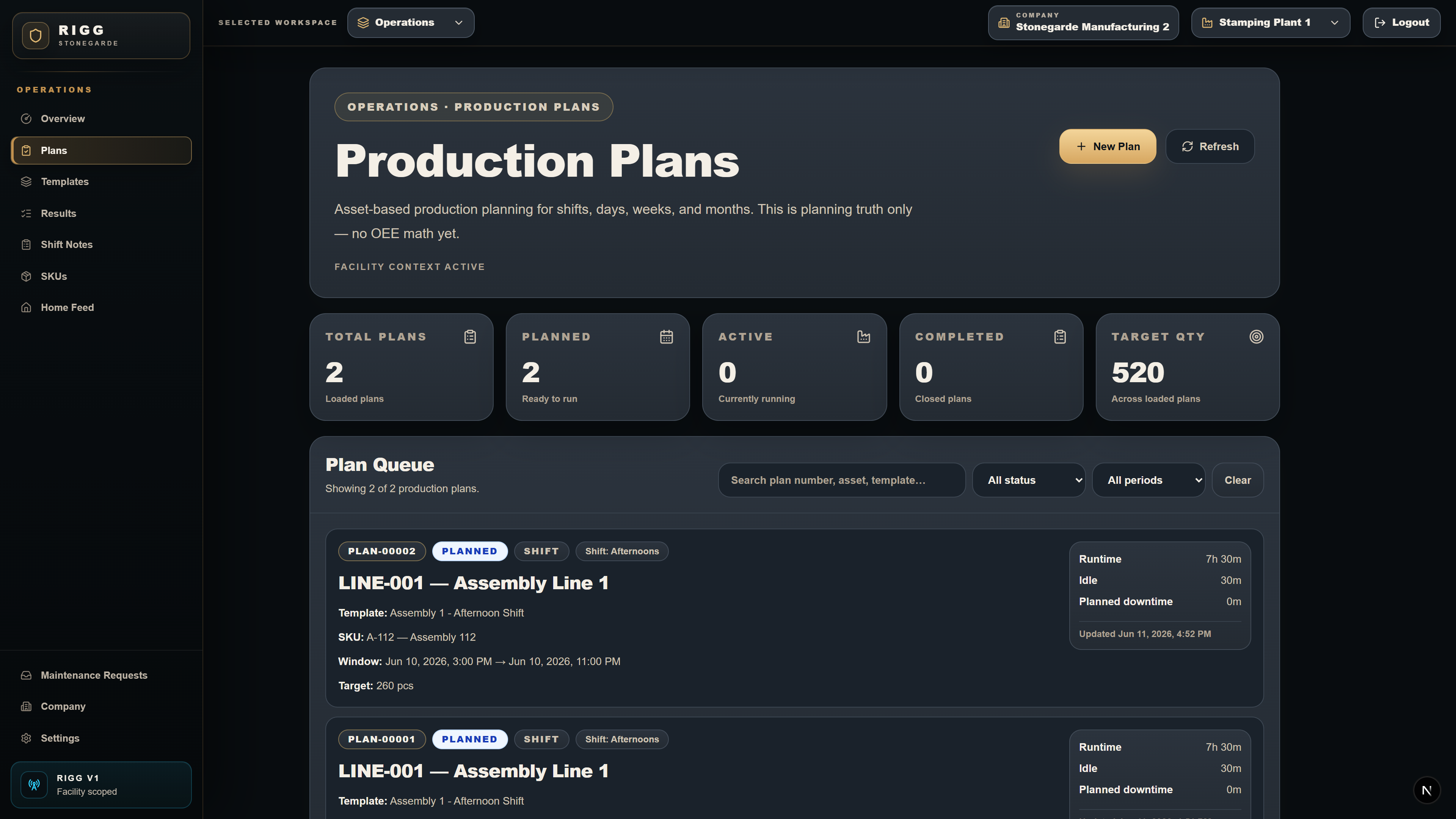
Operations work stays tied to the facility record. Production plans, production results, SKU context, shift notes, and plant KPIs give the rest of the platform context for what was running and what changed.
Safety records and corrective follow-through.
Safety logbook entries and action items live where the rest of the plant work lives. Actions can be assigned, tracked, closed, and preserved in the same operating record.
Quality events connected to plant work.
Quality Events are live now with notes, SKU context, asset context, affected product, and corrective action links. Broader QMS workflows are expanding.
Training matrix and workforce readiness.
Training is part of the platform direction, with the matrix and records expanding as the training rail matures. This is called out honestly so prospects can see what is live and what is coming.
Why a Plant Operating System?
A CMMS manages maintenance. EHS software manages safety. QMS software manages quality. Production systems manage operations. RIGG is designed for manufacturers that want those functions connected from the start instead of managed as isolated systems.
One system. Shared plant context. Unlimited users.
A request can become a work order without losing the original issue.
Downtime can stay tied to the asset and the work that followed.
A quality event can connect back to SKU, equipment, and facility context.
Safety actions, notes, closeouts, and ownership stay attached to the same record.
Available today
Expanding
These areas are on the product direction and should be discussed during a pilot conversation if they matter to your facility.
See the operating layer before you start a pilot.
Explore the demo on your own, or request pilot access when you are ready to discuss a real facility rollout.